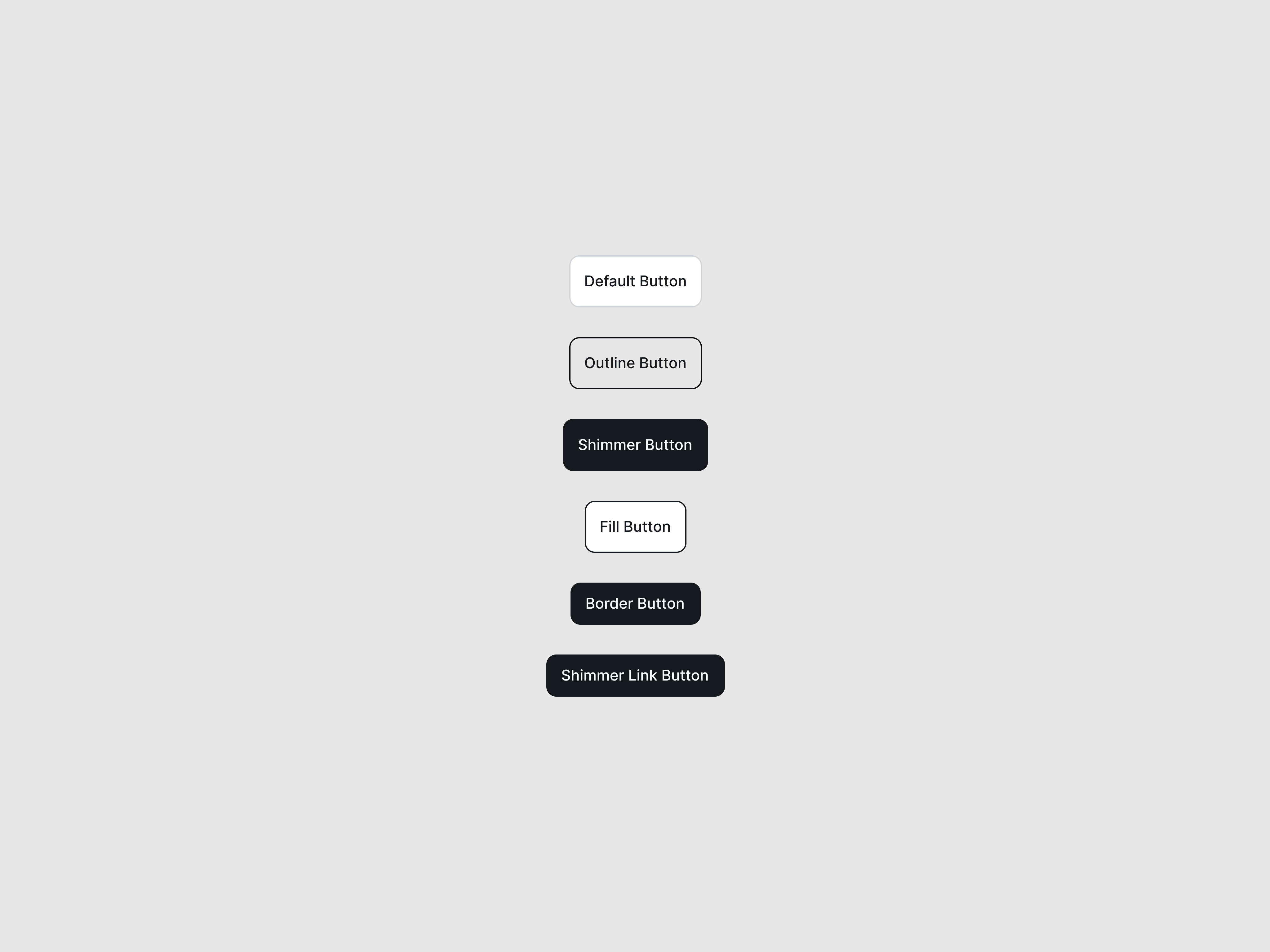
StaggerTextButton NEW
A zero-JS, CSS-only button that animates its text character-by-character on hover for a playful micro-interaction.
Preview/Playground
Created by  Prashanth
#FFFFFF
 Astro
Astro ---
import StaggerTextButton from "@astroanimate/core/StaggerTextButton";
---
<StaggerTextButton as="button" label="Explore Now" />Installation
bash
npm install @astroanimate/coreUsage
---
import StaggerTextButton from "@astroanimate/core/StaggerTextButton";
---

<StaggerTextButton />
Renders the StaggerTextButton component with AstroAnimate defaults.
Props
| Prop | Type | Default | Description |
|---|---|---|---|
label | string | Required | The text to display and animate |
as | "button" | "a" | "button" | HTML element to render |
href | string | - | Target URL (required if as="a") |
type | "button" | "submit" | "reset" | "button" | Form type attribute (if as="button") |
class | string | "" | Additional CSS classes |
Use When
- Building high-impact primary calls to action (CTAs)
- Adding engaging micro-interactions to navigation links
- Creating modern, playful landing page aesthetics
Avoid When
-
The button
labelis excessively long (staggering more than a few words becomes visually chaotic and the built-in transition delays cap at 10 characters) - The button contains icons or complex HTML (this component strictly splits plain strings into characters)
Accessibility
-
Renders the full
labelsafely to screen readers usingaria-labelon the parent container -
Uses
aria-hidden="true"on the animated character spans to prevent screen readers from announcing fragmented, individual letters -
Implements
focus-visiblestates for clear keyboard navigation -
Fully respects
prefers-reduced-motion: reduceby disabling the staggered roll animations entirely
Performance
-
Zero Hydration: Operates without any JavaScript;
the string splitting (
[...label]) runs entirely on the Astro server during build -
Hardware Accelerated: Animations solely use the
GPU-friendly
transform: translateYproperty, avoiding expensive layout repaints
Credits
- Credit to @Prashanth