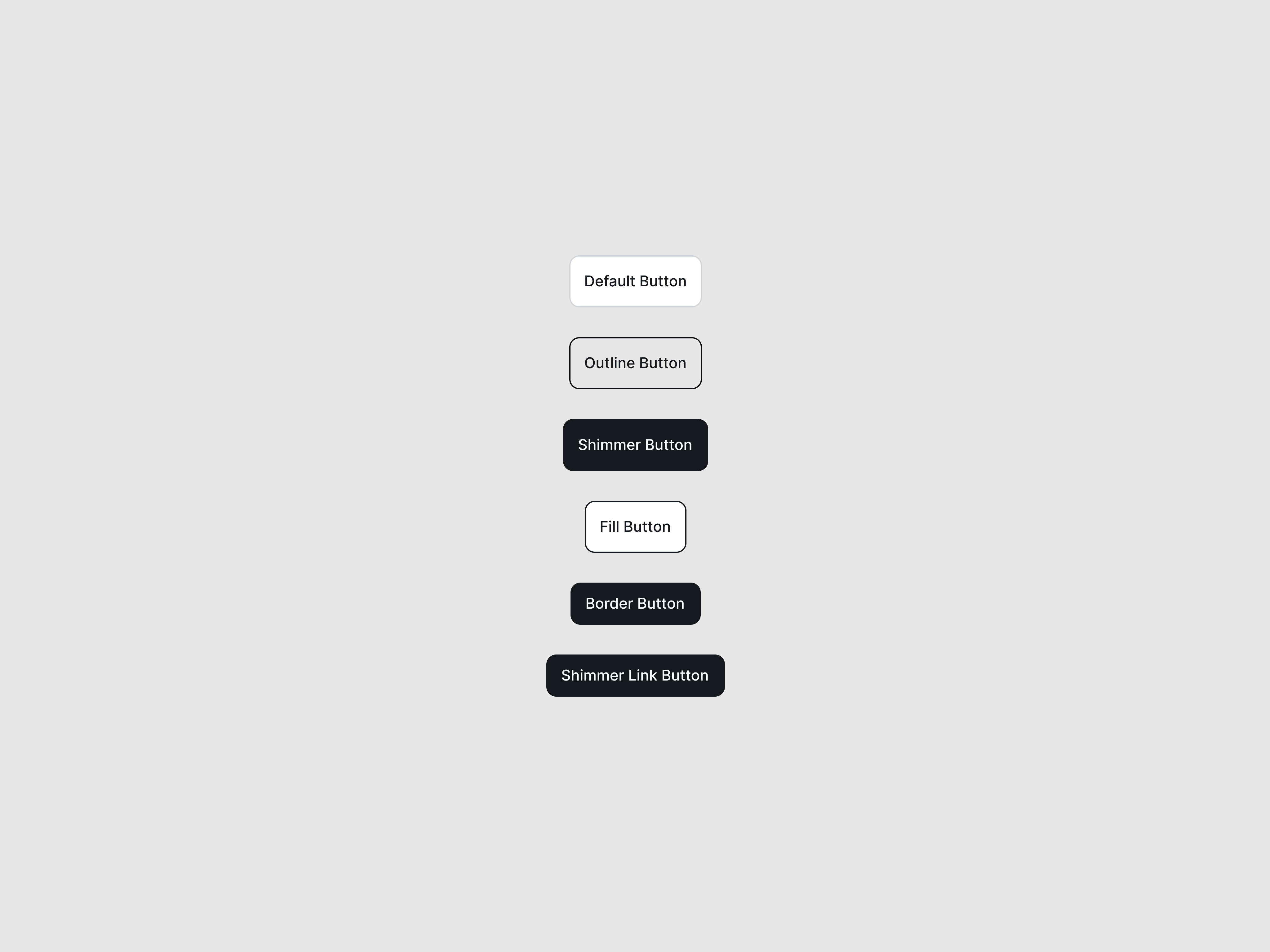
GitHubShineButton NEW
A premium, CSS-only GitHub button featuring a sleek hover shine effect and integrated star count.
Preview/Playground
Created by  Prashanth
#FFFFFF
 Astro
Astro ---
import GitHubShineButton from "@astroanimate/core/GitHubShineButton";
---
<GitHubShineButton
as="a"
href="https://github.com/vipin/astroanimate"
stars="1.2k"
>
Star on GitHub
</GitHubShineButton>Installation
bash
npm install @astroanimate/coreUsage
---
import GitHubShineButton from "@astroanimate/core/GitHubShineButton";
---

<GitHubShineButton />
Renders the GitHubShineButton component with AstroAnimate defaults.
Props
| Prop | Type | Default | Description |
|---|---|---|---|
as | "button" | "a" | "button" | HTML element to render |
href | string | - | Target URL (required if as="a") |
stars | number | string | 0 | Number of stars to display |
showStars | boolean | true | Toggle visibility of the star section |
type | "button" | "submit" | "reset" | "button" | Button type attribute (if as="button") |
fontFamily | string | "Inter, sans-serif" | Custom font family override |
class | string | "" | Additional CSS classes |
Use When
- Linking to open-source repositories from project landing pages
- Providing social proof by showcasing GitHub star metrics
- Needing a high-quality, recognizable call-to-action for developers
Avoid When
- Building primary application logic buttons (e.g., "Save Profile" or "Checkout")
- Contexts where the dark GitHub branding clashes severely with a strict light-mode theme
Accessibility
-
Includes
focus-visibleoutlines to ensure clear keyboard navigation paths -
Uses
aria-hidden="true"on inline SVGs to prevent redundant screen reader announcements -
Respects
prefers-reduced-motion: reduceby neutralizing the shine animation and instantly applying hover states
Performance
- Zero Hydration: 100% CSS-driven with no JavaScript overhead
- Hardware Accelerated: The sweeping shine effect
utilizes the
transform: translateXproperty on a pseudo-element, ensuring smooth 60fps rendering without layout recalculations
Credits
- Credit to @Prashanth